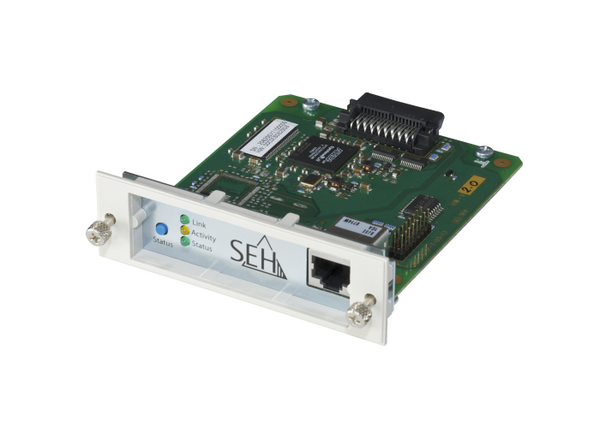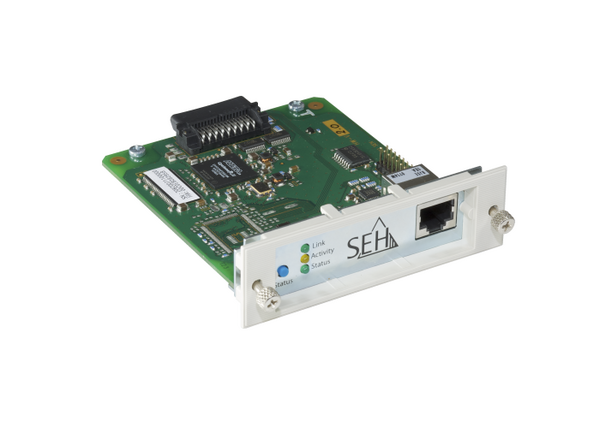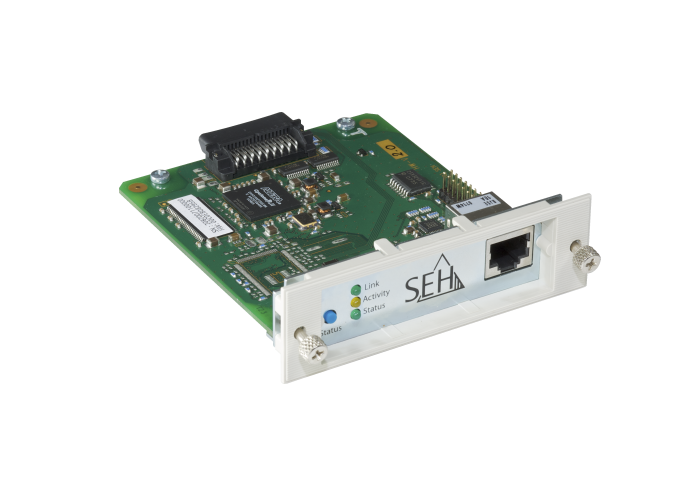
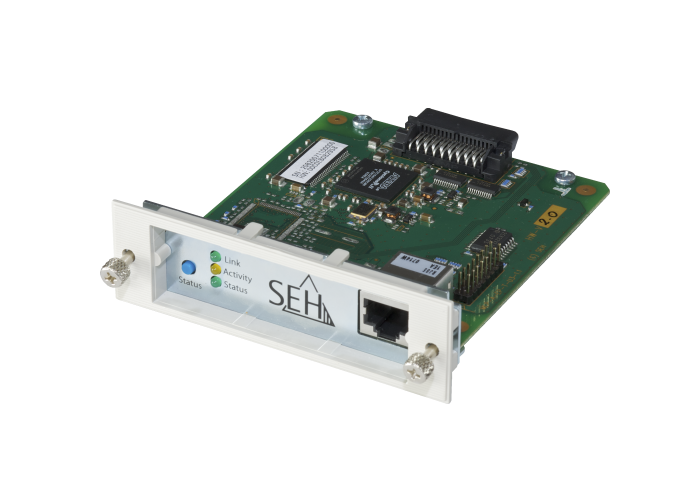
The PS107 is an Ethernet network interface card for EPSON output devices with internal Type B interface, connecting Epson printers to 10BaseT/100BaseTX Ethernet networks (RJ45 connector). This print server is perfectly adapted to all EPSON administration software tools.
Here is an overview of our technical specifications and security features to help you understand the key capabilities of our product.
Network |
1 × RJ-45, shielded |
Interfaces |
1 × EPSON Type B |
Management Software |
SEH Product Manager (network device management) |
Supported operating systems |
Compatible with all major operating systems, including Windows, macOS, and Linux, ensuring seamless integration into existing network environments |
Monitoring & Logging |
Epson Tool support (EpsonNet Config, EpsonNet Print, Epson Status Monitor) |
Printing protocols |
IPP (Internet Printing Protocol) |
Updates & Support |
Technical support worldwide |
Encryption |
TLS 1.2/1.3, HTTPS, IPPS, ThinPrint Secure Tunnel |
Authentification |
Access protection |
Network Security |
IEEE 802.1X (EAP-MD5, EAP-TLS, EAP-FAST, EAP-TTLS, PEAP) |
Certificate management |
Self-signed certificate, certificate request, CA certificates, client certificates, PKCS#12 certificate |
Access Control |
Password protection |
Network security |
IP sender protection |
Notifications |
Email notifications (status), SNMP traps |
In close cooperation with EPSON we have developed a range of network solutions for EPSON laser printers, inkjet printers, photo printers, large format printers and all-in-one devices with a Type B port during our longstanding partnership.
Our print servers are perfectly adapted to Type B interface cards to EPSON's interfaces, machines and tools (Epson NetTools, Status Monitor, etc.). We offer unique features, e.g. IPv6-support, the latest ThinPrint .print Client etc. Best Mac support on the market for EPSON output devices with Type B port.
We know our products can be complex. These FAQs cover the most common questions about using and implementing them in your daily work. For specific questions, please contact our Support Team.
SEH products are available through our authorized distributors and resellers worldwide. Please visit our Where to Buy page to find a sales partner in your region.
You can find the latest drivers, firmware, and software for your SEH products in the Download area on our website. Simply select your product to access the available downloads and updates.