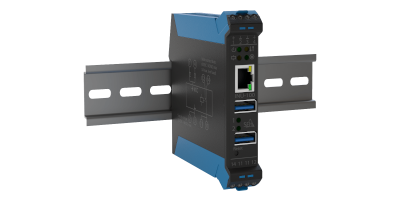
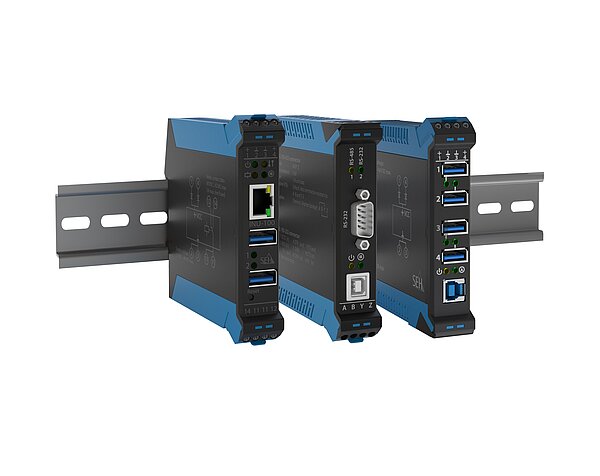
All of our industrial products are made to be installed in a server rack on a top hat railing. If you combine the SU-302 and INU-100 you can use your serial devices over the TCP/IP network. INU-100 connects USB devices such as the SU-302 in ethernet networks. Serial devices can then be used easily and flexibly in modern industrial environments.
Interested in finding out more? Check out our Industrial Solutions brochure for more information and interesting use cases.
The Industrial Solution for USB Remote Access!
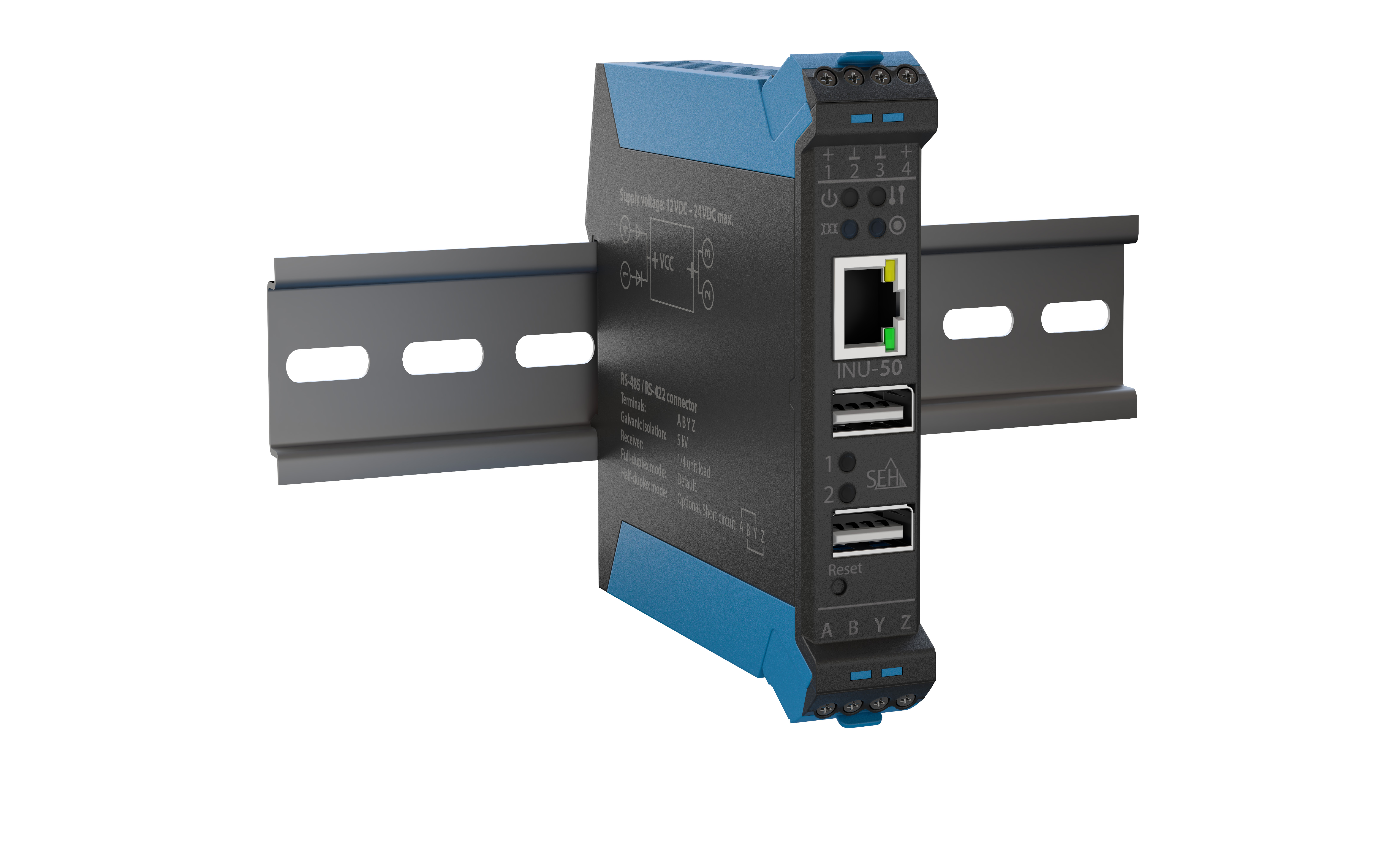
The INU-50 was specially developed for harsh environments and performs trouble-free even under extreme conditions. We give up to 5-year guarantee on this!
The INU-100 USB Deviceserver integrates almost every non-network-ready industrial USB device into the most diverse industrial environments with TCP/IP networks.
The devices INU-100, SU-302, and IH-304 enable simple and secure integration of USB and serial devices into PC and industrial PC networks. The INU-100 allows standard USB devices to be integrated into a network in a centralized and cost-effective way. The SU-302 enables the connection of serial devices and, in combination with the INU-100, allows them to be integrated into TCP/IP networks. The IH-304 expands the number of available USB ports, is supported by almost all operating systems, and protects connected devices with integrated surge protection.
The INU-50 complements these solutions as a powerful serial and USB device server designed for industrial environments. It supports USB as well as serial interfaces such as RS-422 and RS-485 and operates reliably even under demanding conditions. With an extended temperature range of -20 °C to +70 °C, redundant power supply, and comprehensive security features, it is particularly suitable for Industry 4.0 and IIoT environments.
After successful product registration benefit from up to 60 months free warranty.
Thanks to its compatibility with modern IIoT standards, the INU-50 remains future-ready and suitable for long-term use.
Comprehensive security features including encrypted communications, authentication and many more!
Free regular firmware updates and extensive support via our support hotline.
We know our products can be complex. These FAQs cover the most common questions about using and implementing them in your daily work. For specific questions, please contact our Support Team.
MTBF (Mean Time Between Failures) describes the statistical average operating time between failures.
The following values apply:
Note: MTBF is a statistical reliability value and not a guaranteed service life for an individual device.
You can disable the automatic update check through the Windows Registry.
Open the following registry key:
Change the value of the updateEnabled entry of type REG_SZ from true to false.
This disables the update check at startup and hides the corresponding option in the UTN Manager settings dialog.