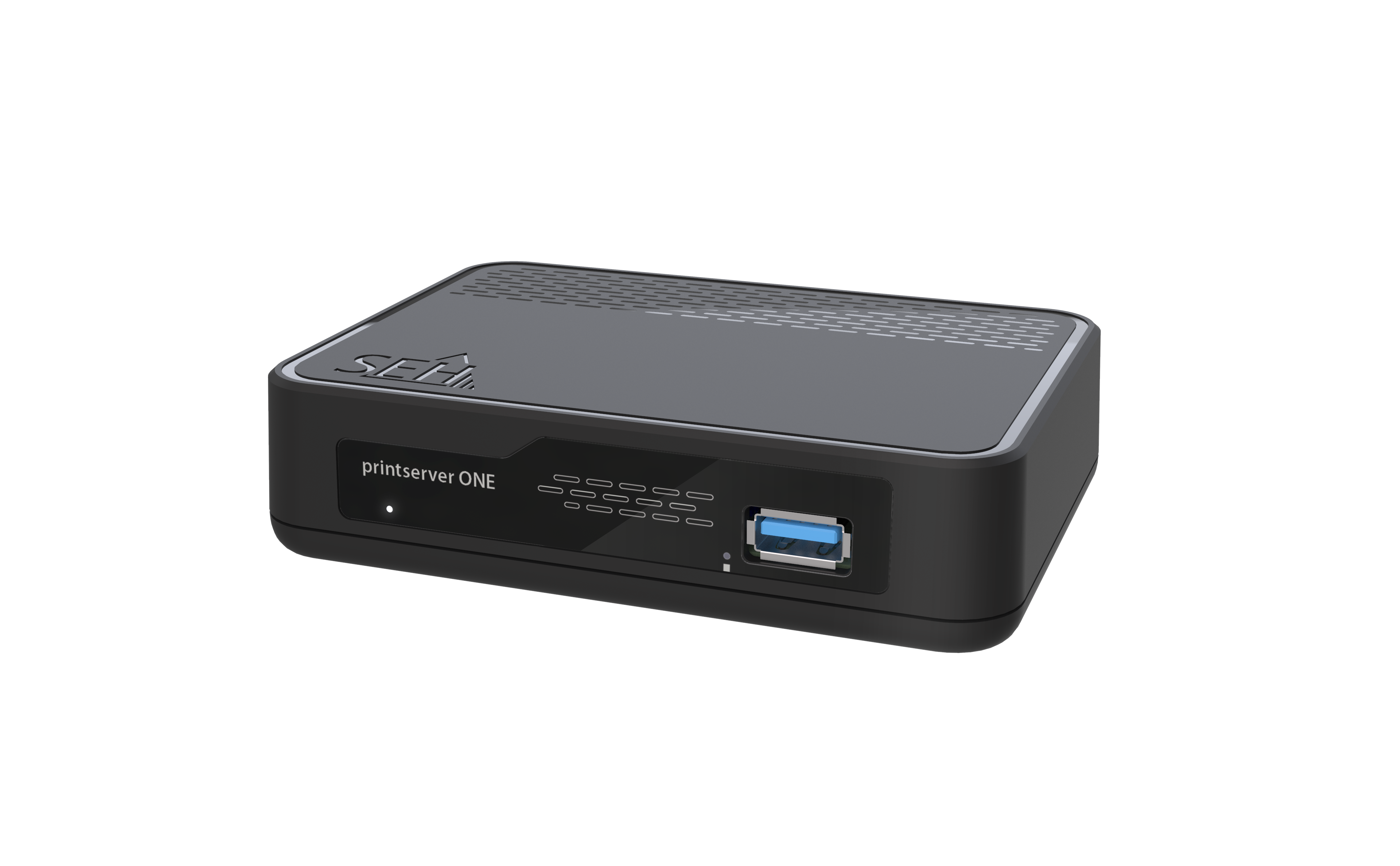
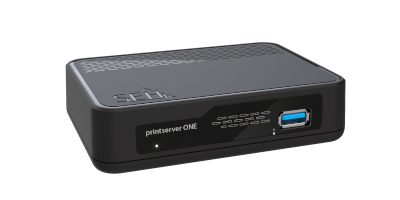
For all printing systems including: Inkjet printers, laser printers, label printers, large format printers, plotters, dot matrix printers, barcode printers, multifunction devices, digital copiers and many more!
Here is an overview of our technical specifications and security features to help you understand the key capabilities of our product.
Network |
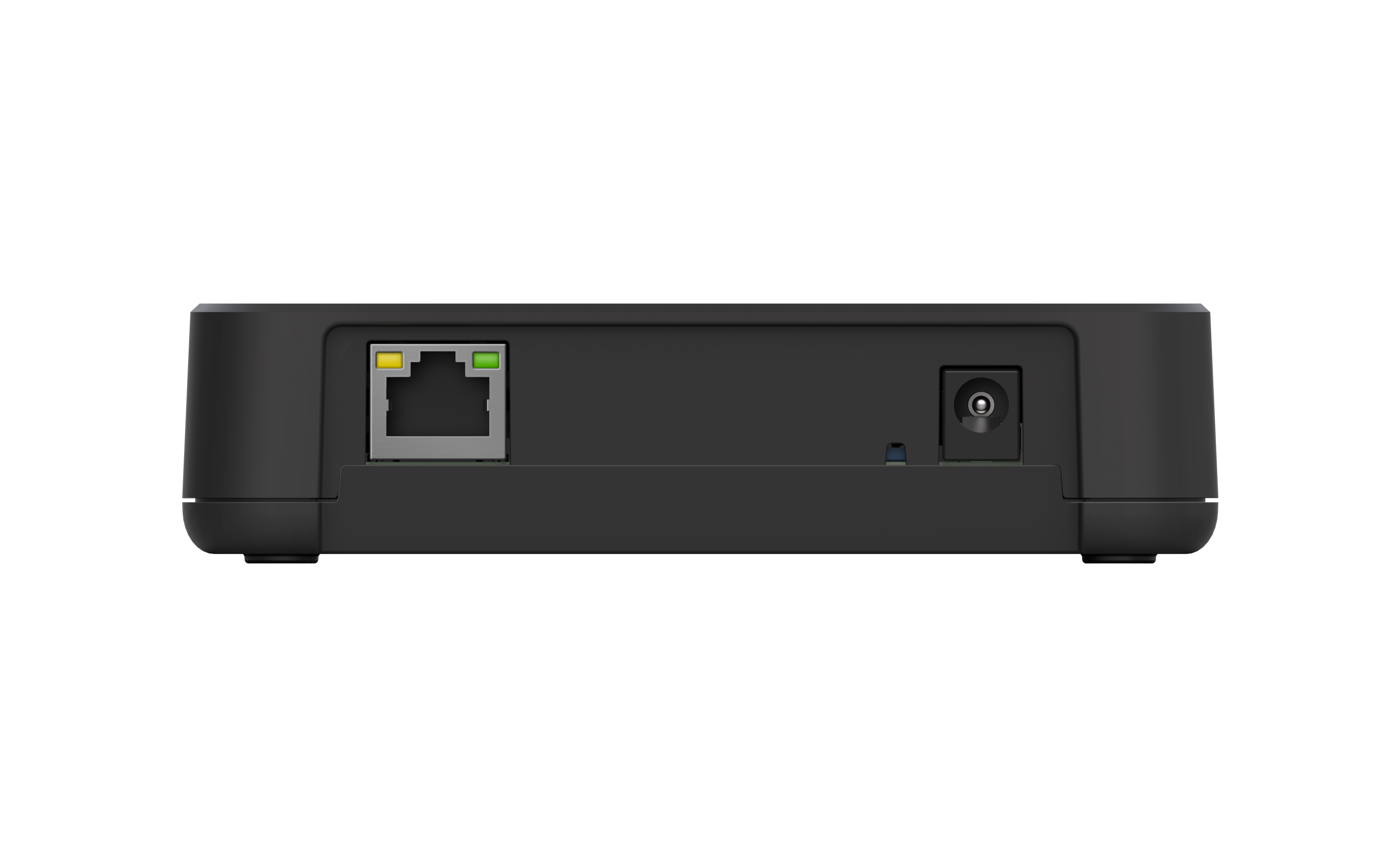
1 × RJ-45, shielded |
Interfaces |
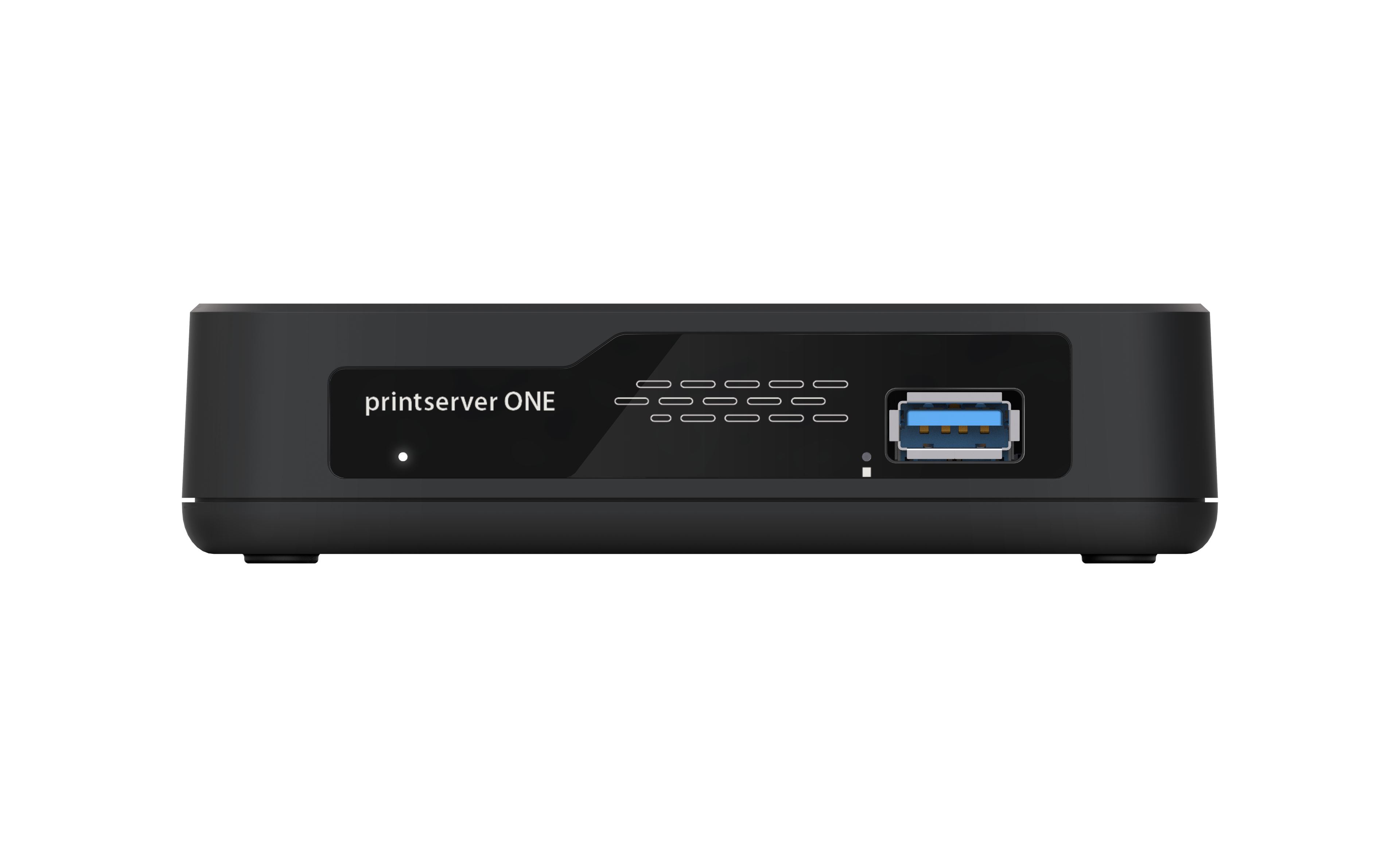
1 × USB 3.0 SuperSpeed, Type-A |
Management Software |
SEH Product Manager (network device management) |
Supported operating systems |
Compatible with all major operating systems, including Windows, macOS, and Linux, ensuring seamless integration into existing network environments |
Monitoring & logging |
Epson Tool support (EpsonNet Config, EpsonNet Print, Epson Status Monitor) |
Printing protocols |
• PP (Internet Printing Protocol) |
Updates & Support |
Regular software updates, technical support worldwide |
Encryption |
TLS 1.2/1.3, HTTPS, IPPS, ThinPrint SSL |
Authentification |
IEEE 802.1X (EAP-MD5, EAP-TLS, EAP-FAST, EAP-TTLS, PEAP) |
Certificate management |
Self-signed certificate, certificate request, CA certificates, client certificates, PKCS#12 certificate, S/MIME certificate |
Access control |
Password protection |
Network security |
IP sender protection |
Notifications |
Email notifications (status), SNMP traps |
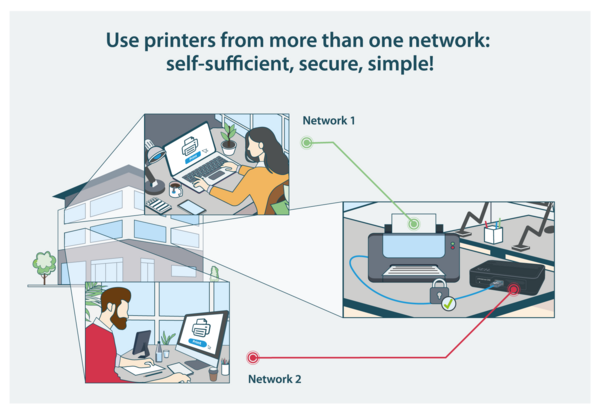
In some network configurations it may be necessary to operate more than one network interface on a printer. A network printer usually has an interface and an additional USB port. This is where the printserver ONE comes into play - simply connect it to the USB interface and the second interface is available.
The present application case shows printer access from several computers to one printer.
SECURE against attacks from the Internet: Computers in a network that do not have an Internet connection.
UNSAFE against attacks from the Internet: Computer has access to the Internet via the connected network.
With the printserver ONE it is possible in this case to use the printer safely from both sides!
Integrate printers without a network interface into a network
Companies that have purchased a printer with a USB connection in the past and now need a network-based solution can turn any USB printer into a fully-fledged network participant - with our print servers. This means that printers can be conveniently used from multiple workstations without having to purchase additional hardware. The print servers offer flexibility, save costs and effortlessly expand the functionality of printers. Perfect for office environments that want to grow with these requirements.
Operate printers stably in the network via Ethernet network interface
Companies that have purchased a printer in the past that only offers WLAN as a network connection and who subsequently find that a cable-based connection is more reliable, stable and secure can turn a wireless printer into an Ethernet network participant. With the wired network connection - via the printer's existing USB interface - the workstations are reliably connected to printers without having to make a new purchase. This solution is ideal for office environments that require continuous and stable availability of printers.
Printers with a defective or inadequate network interface
Printers play an active role in the network and should not be neglected in terms of increasing security requirements. If existing printers have deficiencies in terms of encryption, network authentication or inadequate functions, for example, they can be securely integrated into the network by using print servers.
We are continuously developing our print server software and equipping it with "state-of-the-art" security functions. Our free software updates also provide our customers with continuous and reliable current patches for known security gaps - right up to new features and functions.
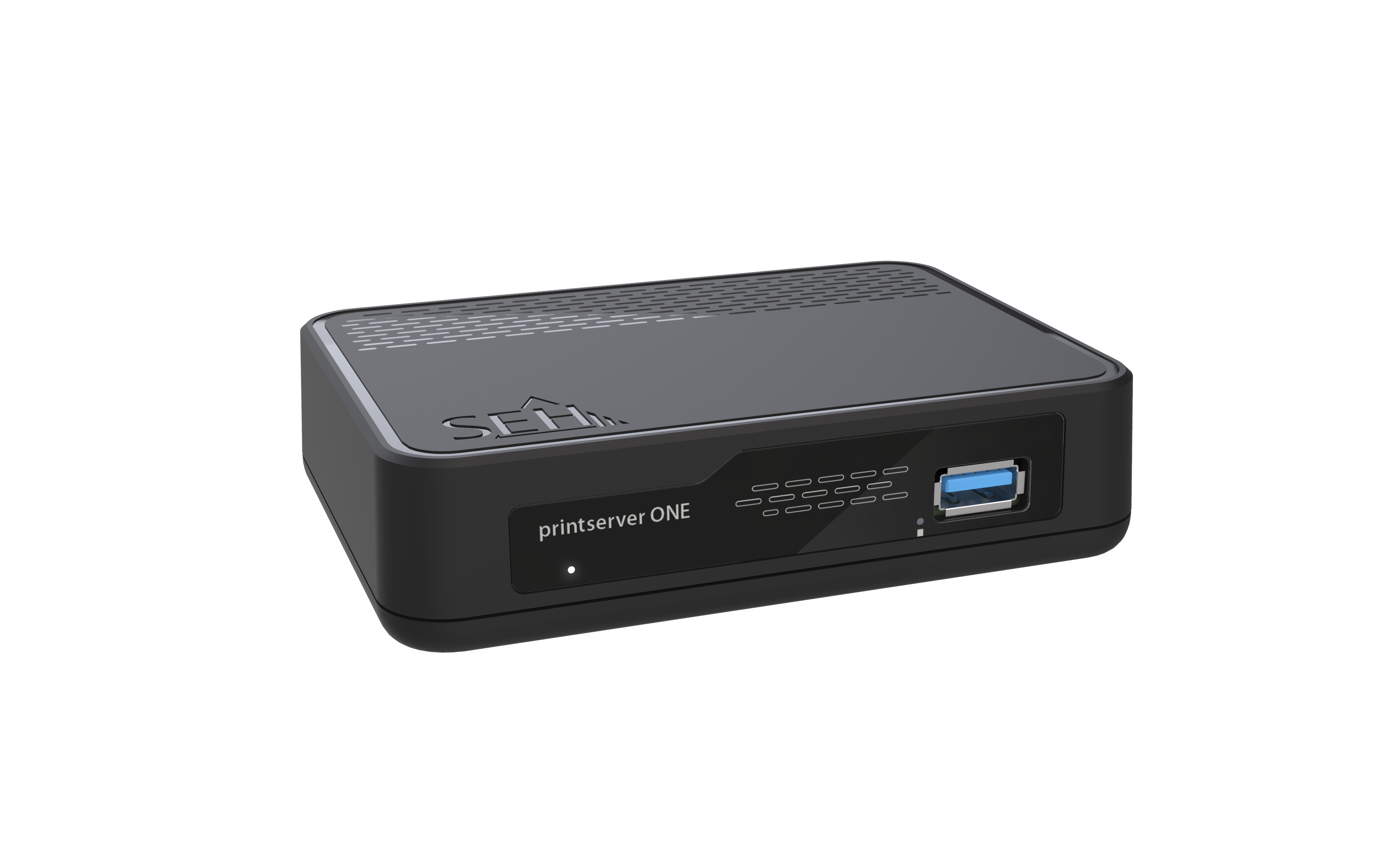
Here you will find our order numbers.
We know our products can be complex. These FAQs cover the most common questions about using and implementing them in your daily work. For specific questions, please contact our Support Team.
SEH products are available through our authorized distributors and resellers worldwide. Please visit our Where to Buy page to find a sales partner in your region.
You can find the latest drivers, firmware, and software for your SEH products in the Download area on our website. Simply select your product to access the available downloads and updates.